Back to Help Center
BlueHive EmployersVideo Tutorial
Adding a New Employee
Step-by-step guide to manually add employees to your BlueHive dashboard.
< 1 min read
Updated June 12, 2025
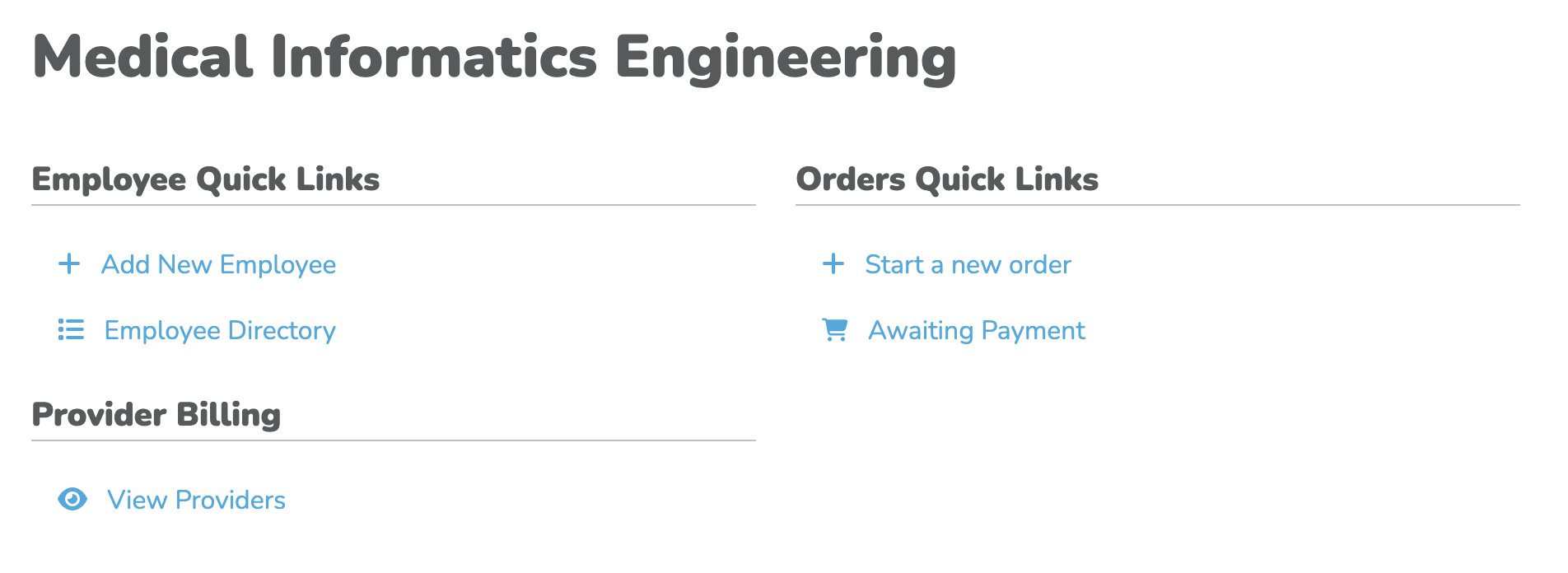
Upon reaching the Dashboard, you'll see quick links. You can utilize these links to quickly navigate the portal and complete important tasks.
Click to zoom
To manually onboard an employee, click "+ Add New Employee", input the employee's information manually, then click "Save".
That's it! Your new employee will now appear in your employee directory and can be selected for orders.
←Previous→NextHHome