Transcript
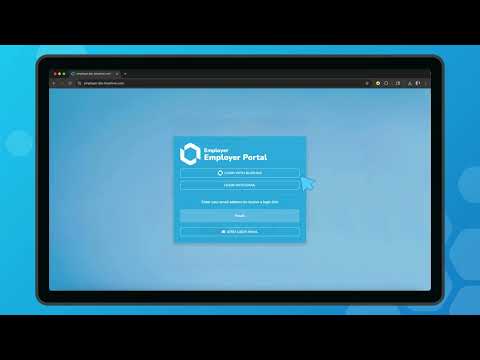
Generated automatically; may contain errors.Hi, my name is Chris, and welcome to this quick walkthrough of BlueHive innovative onboarding and ordering process. With BlueHive, ordering drug screens has never been easier. First, visit employer. BlueHive. com.
Once there, click the "Log In" with BlueHive button. You'll see options to log in using single sign-on or your email. For this demo, I'm using Google SSO for a quick, seamless login. When you first log in, you'll be prompted to enter your company details. BlueHive automatically attempts to fill in your company's details as you start typing.
Just double-check that everything looks correct before you continue. On the next screen, select the services you need. Today, we're choosing "Order Drug Tests. " Next, let us know how you heard about BlueHive. For this demo, I'll select "Returning Customer.
" Now, let's add your employees to BlueHive. You can integrate directly with over 200 HRIS providers, import employees via CSV, or manually enter your employee details. Let's add an employee manually for this example. Fill in your employee's information, and then click "Continue. " BlueHive securely handles payments through Stripe.
You'll be asked to enter your credit card or banking details. For this demo, I'll enter a placeholder number to keep things moving. Once your billing details are entered, your setup is complete. Just click "Start your first order. " Then select an employee by clicking on the gray highlighted area, and move on to the services screen.
Browse services by category, or use the search bar to quickly find exactly what you need. We'll select a 10-panel drug screen, then click "Next" in the top right corner. The following screen lists available providers near your employee's zip code. Your convenience will select "BlueHive Concierge. " This means our dedicated concierge specialists will select a provider based on your preferred list.
Click "Send Order," and you'll immediately receive confirmation that your order has been successfully submitted. Now comes the hardest part. Waiting. Don't worry, we've sped up this part of the demo. You can always log in to track the status of any service until results are available in your employee's profile.
And that's it! You've successfully signed up, added an employee, and ordered a drug screen, all through BlueHive. At a recent lunch and learn, we've demonstrated how quickly this process can happen, in under 60 seconds with some practice. And once set up, ordering services for multiple employees is even faster. Interested?
Of course you are! Reach out to our friendly team today and learn how BlueHive can accelerate your onboarding and simplify compliance. Visit BlueHive. com or call us at 260-217-5328.
More videos you might like


Employer Onboarding Series
Want to see BlueHive in action for your team?
Schedule a personalized demo and see how BlueHive simplifies occupational health management.