Back to Help Center
BlueHive EmployersVideo Tutorial
Importing Employees
Import employee data from 200+ HRIS providers or via CSV upload.
< 1 min read
Updated June 12, 2025
On This Page
BlueHive integrates with over 200 HRIS providers, allowing you to instantly import your employee data.
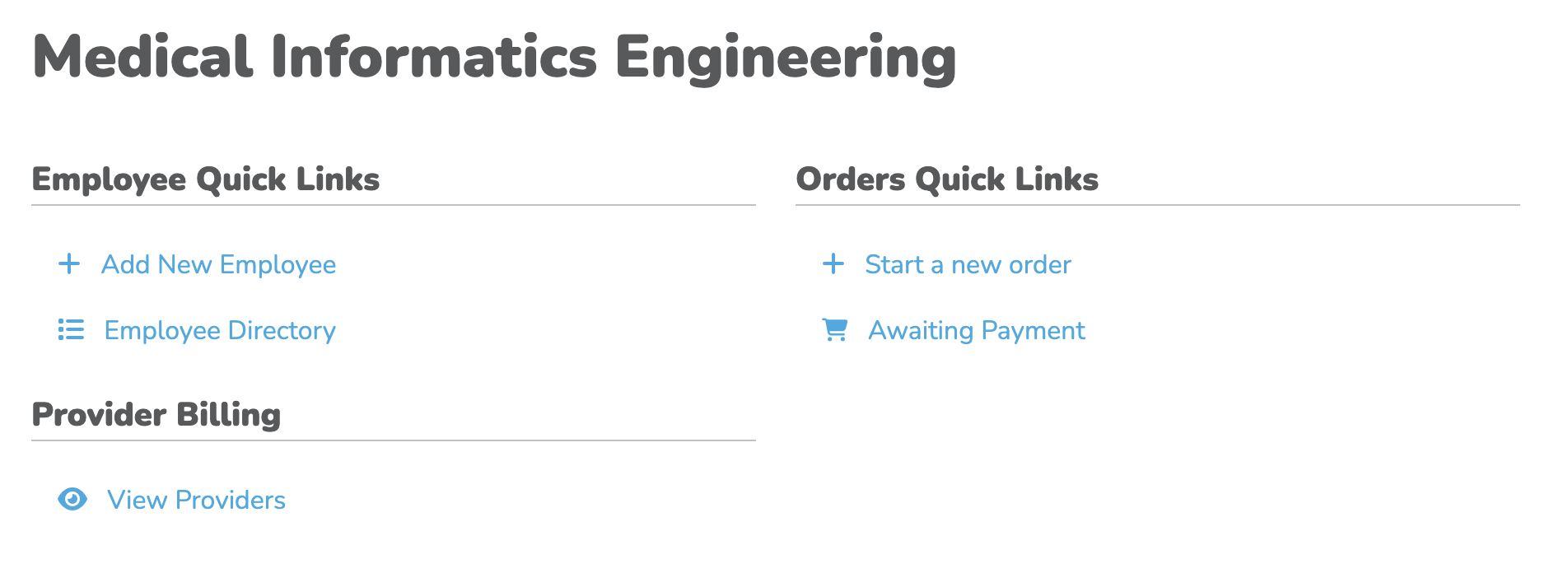
Click to zoom
To begin importing, select "Employee Directory". Next, click "Import" on the left sidebar menu.
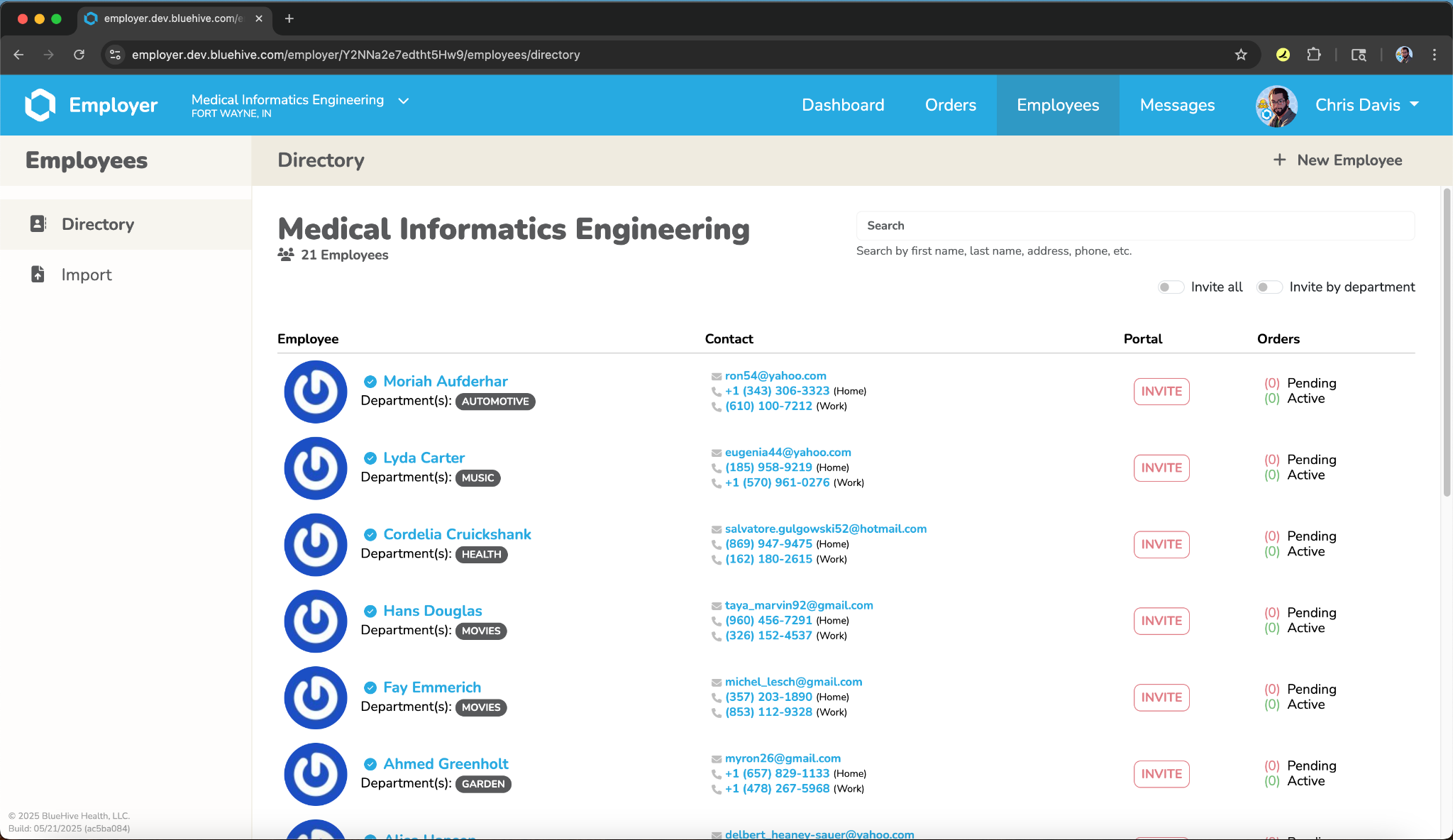
Click to zoom
On the next screen, select your HRIS provider, and then follow the steps to import your employee data.
CSV Import
You can also import employees via CSV file. See our Comprehensive CSV Importer Guide for detailed instructions.
←Previous→NextHHome