Step-by-step guide to claiming and verifying your clinic listing on BlueHive.
Transcript
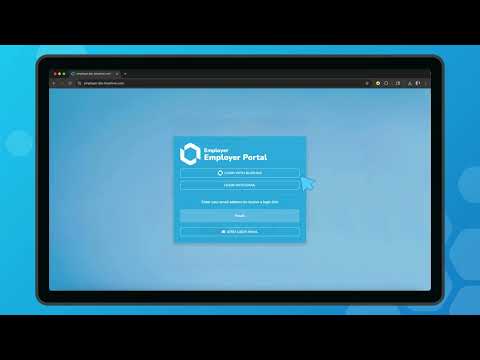
Generated automatically; may contain errors.Upon first signing into the BlueHive Provider Dashboard, you'll need to claim your provider listing. In this instance, we already have a provider set up, so we'll click on "claim a provider. " On this screen, you can search for your provider listing. For this example, we'll just select the provider at the top of the list. Once you click "claim listing," you'll be taken to the provider listing form.
Select all the required information, and then click "claim listing. " Once a BlueHive Field Operations Associate reviews your listing, they'll contact you to confirm all details, and then finalize your listing.
TutorialsTutorialProviderClinic


Provider Onboarding Series
Want to see BlueHive in action for your team?
Schedule a personalized demo and see how BlueHive simplifies occupational health management.