Transcript
Generated automatically; may contain errors.Now that you've claimed your listing in BlueHive directory, let's take a look at the setup options in the provider portal. You'll start by clicking your provider name at the top, and then selecting "Edit Provider". On this next screen, you can edit a lot of the basic details about your location. You also have the option to upload a general consent form, as well as a company logo. The address tab is the only screen that requires you to contact a field operations associate to update any information.
So we'll move on to the Office Hours tab. In this tab, you can add, remove, and edit your location's office hours, as well as enter descriptions if needed. Next, you can click through to the Users tab. This tab will allow you to invite additional clinic users to your provider dashboard and assign them user roles and permissions on a person-by-person basis. Now, let's take a look at the Services tab.
On this tab, you can set up and edit services that you provide. For this demo, let's add a new service. We'll navigate through the list of available services and select Stress Management. On the next tab, click the toggle for "Currently offered" and then enter the price you charge for this service. Finally, click Create to add the service.
Next, you'll see the Contacts tab. Here you can add individual contact details for the providers at your location. This can be used during the referral process to assign a specific provider to an order. Lastly, the Payment tab. As you can see, for this demo, payments are not currently active.
Clicking Update Account Information takes you to the BlueHive Stripe Portal where you will create an account, if you don't have one set up already. Then, you can add your Administrative Representatives information, as well as ACH Details.

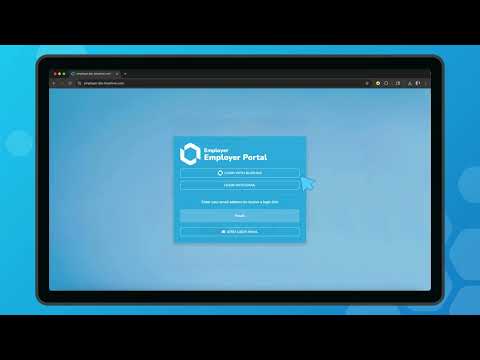

Provider Onboarding Series
Want to see BlueHive in action for your team?
Schedule a personalized demo and see how BlueHive simplifies occupational health management.